20% OFF shipping at leseauxdelinval.fr on orders over $79 + up to 10% OFF products
leseauxdelinval.fr
home > 🔥USB Fan with LED Clock Lighting > 🔥USB Fan with LED Clock Lighting
download picture
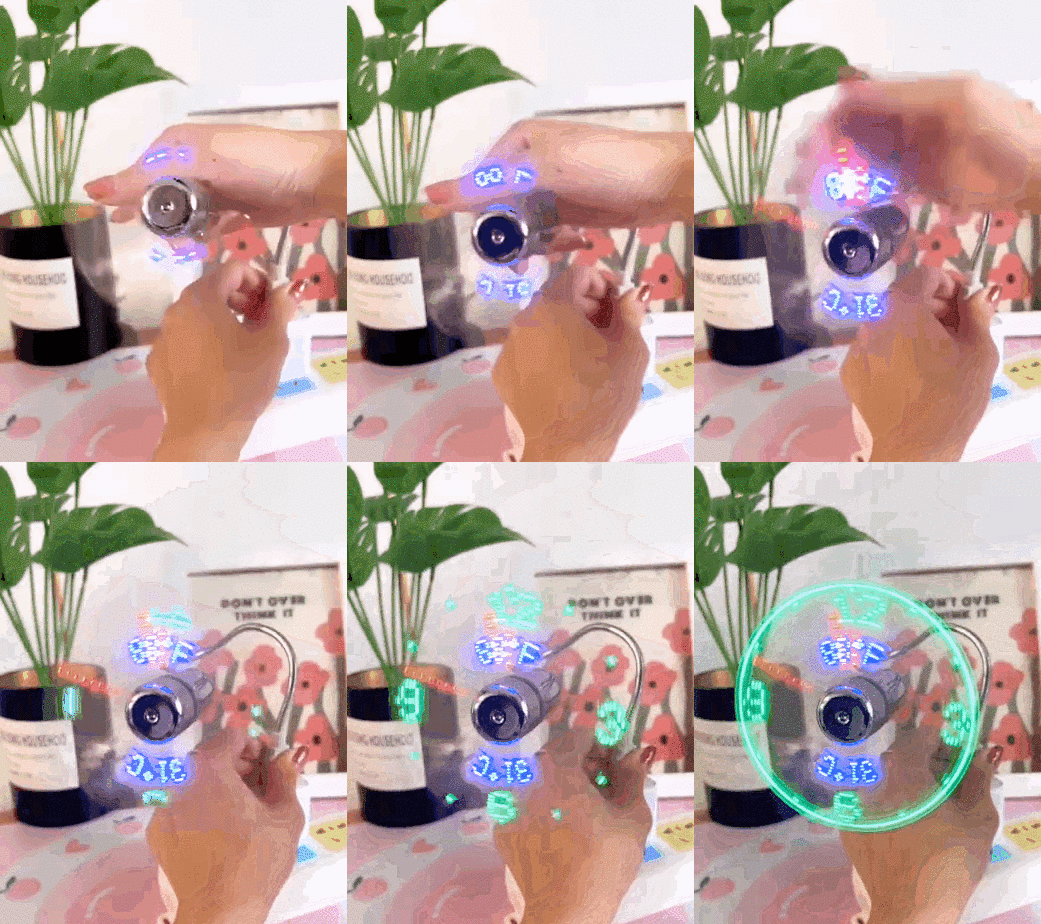
🔥USB Fan with LED Clock LightingIf you are not satisfied with the product when you receive it, we will provide free return and exchange service within 30 days. Don't miss out! Illuminate your time with our USB LED clock fan! Features TEMPERATURE & CLOCK The temperature clock fan is a USB fan with a special blade that generates an LED temperature clock dial! EASY HANDLING Simple and comfortable to change the time and switch it on or off with the power button. SAFE USING PVC soft fan
Shopping security

Shopping security

Each payment you make on thelockerguy is secured with strict SSL encryption and PCI DSS data protection protocols

If you are not satisfied with the product when you receive it, we will provide free return and exchange service within 30 days.

Don't miss out! Illuminate your time with our USB LED clock fan!

Features

  • 【TEMPERATURE & CLOCK】
    The temperature clock fan is a USB fan with a special blade that generates an LED temperature clock dial!
  • 【EASY HANDLING】
    Simple and comfortable to change the time and switch it on or off with the power button.
  • 【SAFE USING】
    PVC soft fan blades are safe in the application and the swan neck is flexibly bent. Set the flexible neck gently to the position you need to stay cool in every position.
  • 【UNIVERSAL COMPATIBILITY】
    Ideal for desktops and laptops, simply plug into any USB port on your laptop or PC without installing a driver.

Usage scenarios

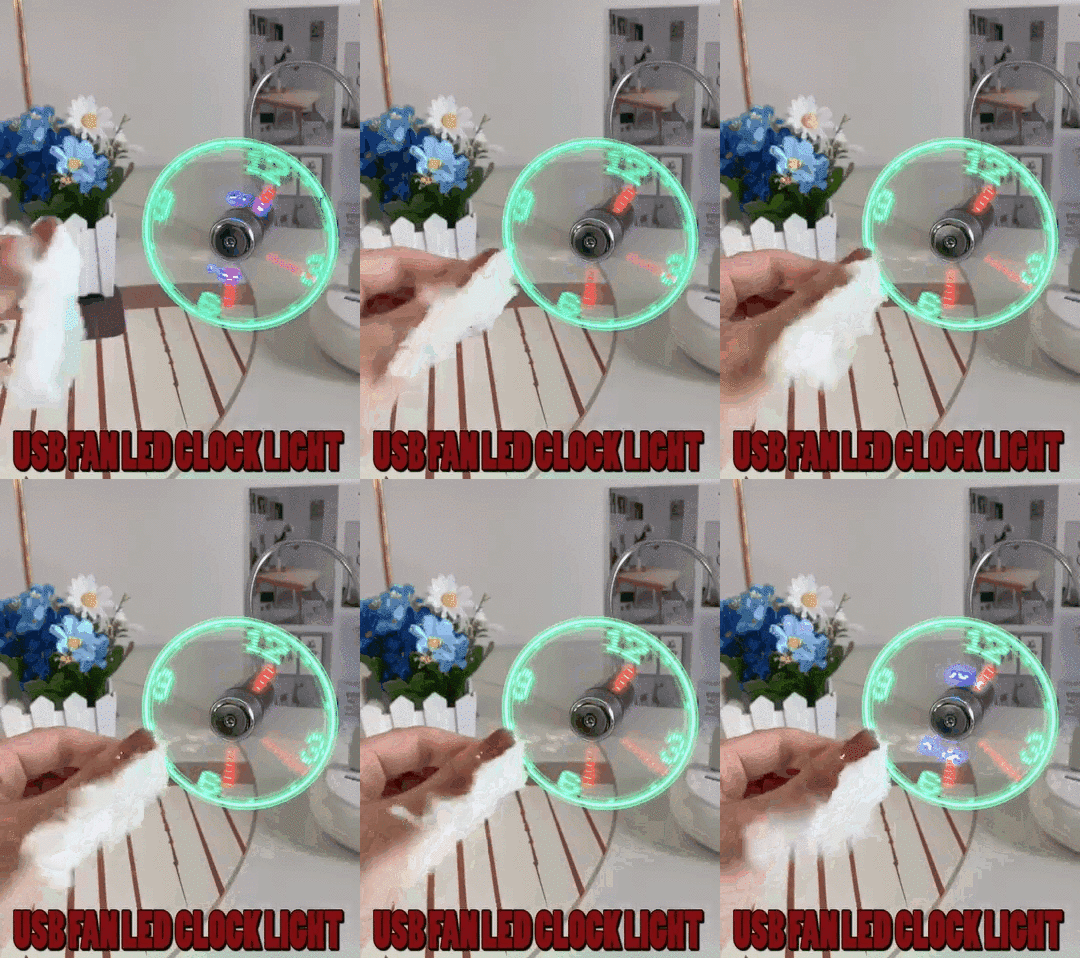
Portable LED real time clock USB fan with temperature display, cooling, quiet mini gooseneck fan for office, home and travelling
Using Methods

  1. Insert the plug into a USB port and press the ON/OFF switch to switch on the fan and activate the clock display.
  2. Press and hold the ON/OFF button until the minute hand starts flashing.
  3. Setting the hour hand: Continue to hold down the ON/OFF button to set the hour hand. The clock will rotate quickly clockwise, release the button just before the correct hour.
  4. Setting the minute hand: Once the hour has been set, the minute hand flashes. Click the ON/OFF button to advance the minute hand to the correct time.
  5. Release the button for 6 seconds and the time is set.

Specification


Materials
  • ABS plastic
Size
  • USB fan LED clock light: 41CM × 2CM × 2CM
Package
  • USB fan LED clock light × 1
 

Note

  • Due to manual measurements, please allow slight measurement deviations.
  • Due to the different display and lighting effects, the actual colour of the item may differ slightly from the colour shown in the picture. Batteries are not included in the product. Please bring your own.

🔥USB Fan with LED Clock Lighting

Item no : 58102630552
sold recently : Login >>
US$ 19.99
Pay in 4 interest-free payments of $5.00 Learn more
Min. order: 1piece

Shipping Estimate
USA
  • USA
  • CAN

Ships within 48 hours · Estimated delivery Jun 22 - Jun 27

Enjoy 20% off shipping

US$ 19.99

1-11

US$ 17.99

12-35

US$ 13.99

36-59

US$ 11.99

60+

US$40

Get now

Sign up to your membership to get coupons up to

15%

Get now

Opportunity to enjoy order discount up to 15% off

Please add the products
Shipping Notes
  • Free Standard Shipping on $100+ Orders to the USA.
  • Except Preorder products are shipped in 48 hours.
  • Delivery to the USA:
  1. Standard Shipping : 3-10 business days
  • If time is of the essence, please consider selecting expedited delivery for faster service.
Exchange/Return Notes
  • We offer a 30-day return/exchange service after receiving.
  • Final sale items are not eligible for returns or exchanges.
  • To process your return/exchange, please contact us at [email protected]
  • Please click here for more details>>> Return & Exchange Policy

Discover Niche Categories That Outsell

Top-Converting Item to Boost Your Average Order

recommand products

Related Searches